RICOEL News!

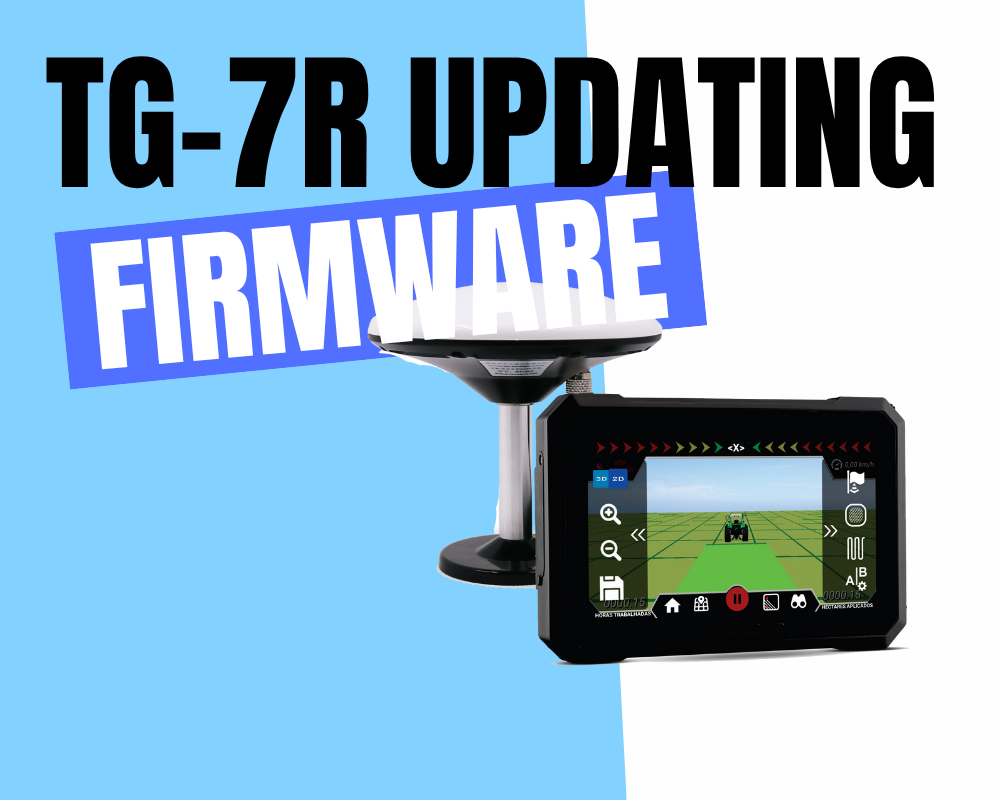
updating firmware

TG-7R Firmware Update via PC

TG-7R Firmware Update via PC (Using ResearchDownload Tool) ​**⚠️ Critical Precautions:​**​ Use original USB cable Close background apps on PC Disable antivirus temporarily ​Step-by-Step Instructions​ ​Install USB Driver​ → Download manufacturer driver package → Run installer ​Launch ResearchDownload Tool​ → Open researchdownload.exe (Run as Administrator) ​Configure File Selection​ → Navigate to Settings → Tick these partitions:  ​System​  ​Userdata​  ​Vendor​ ​Initiate Update​ → Connect USB cable to PC (NOT device yet) → Click Start ​Trigger Device Connection​ → Locate hidden ​button​ (small pinhole) on TG-7R → Insert needle → ​Press and hold firmly​ → While holding → Plug USB power into device ​Complete Process​ →

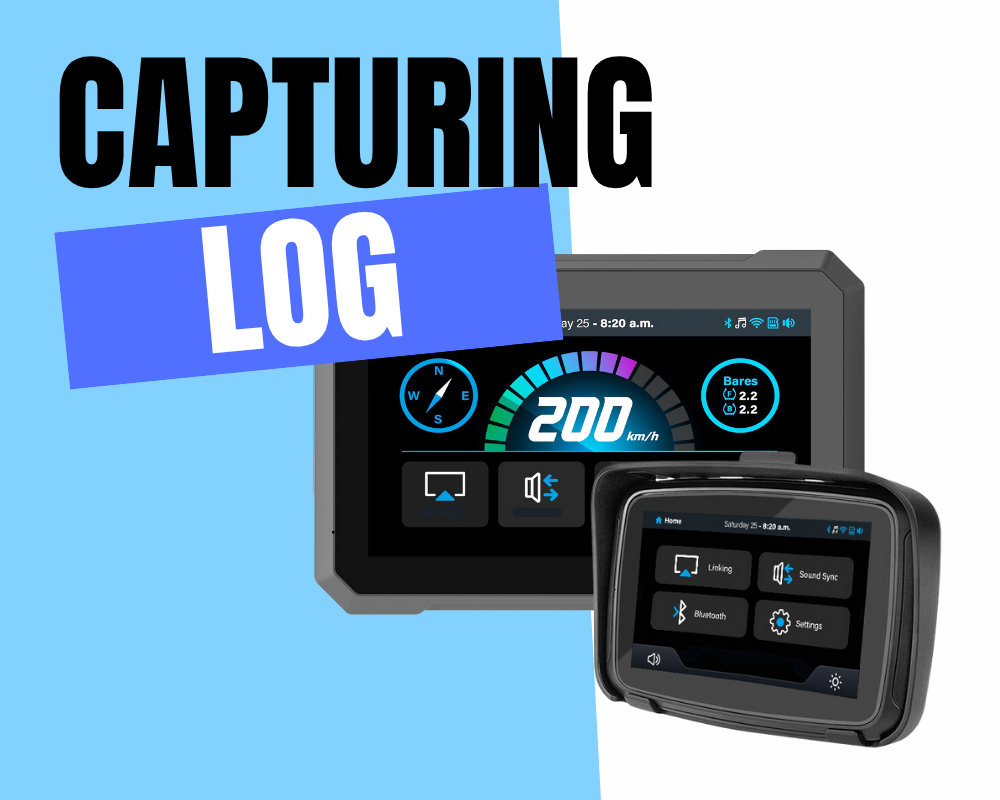
How to Capture Log Files

How to Capture Log Files on Your MotoPlay Super Device

How to Capture Log Files on Your MotoPlay Super Device ​Ever had an app crash constantly or encountered a weird glitch on your phone?​​ When seeking help from tech support or app developers, they’ll often ask for a ​log file. This behind-the-scenes record of your device’s activity is crucial for diagnosing the problem. Don’t worry – capturing it is easier than you think! Here’s how: What Are Log Files (Logcats)? Think of logs as your Android device’s detailed diary. They constantly record events, app behavior, system messages, and especially ​errors​ (crashes, freezes, bugs). This raw data helps pinpoint exactly what