
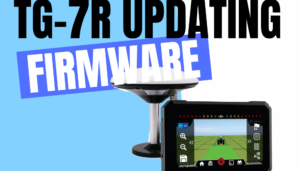
TG-7R Firmware Update via PC
(Using ResearchDownload Tool)
**⚠️ Critical Precautions:**
- Use original USB cable
- Close background apps on PC
- Disable antivirus temporarily
Step-by-Step Instructions
Install USB Driver
→ Download manufacturer driver package
→ Run installerLaunch ResearchDownload Tool
→ Openresearchdownload.exe(Run as Administrator)Configure File Selection
→ Navigate toSettings
→ Tick these partitions:- System
- Userdata
- Vendor
Initiate Update
→ Connect USB cable to PC (NOT device yet)
→ ClickStartTrigger Device Connection
→ Locate hidden button (small pinhole) on TG-7R
→ Insert needle → Press and hold firmly
→ While holding → Plug USB power into deviceComplete Process
→ When tool shows “Downloading…” → Release button immediately
→ Keep device powered → Wait for green “Success” message